How to Use Gemini Notebooks in 2026 (The Context Bottleneck is Solved)
Gemini Notebooks are dedicated project workspaces in the app—add chats, PDFs, and data in one place. The differentiator is bidirectional sync with NotebookLM for slide decks, audio overviews, quizzes, and mind maps.
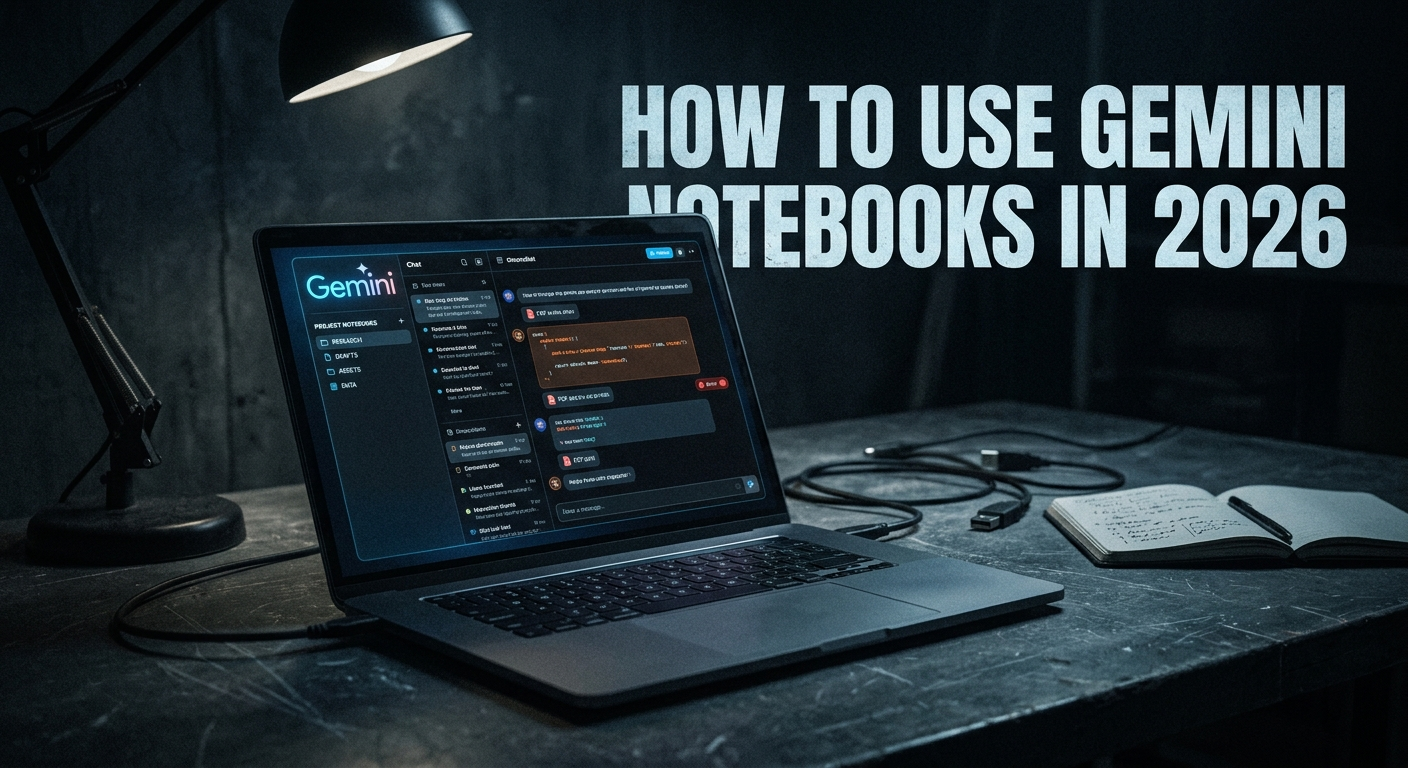
If you have been using AI for complex projects, you know the nightmare of scattered chats. You open a chat to draft code, open another for research, and weeks later, you are wasting time searching for that one output you generated.
Finally, after months of waiting, the biggest context management bottleneck is solved. Gemini has officially rolled out Notebooks—their version of a project folder. You can now add your old chats, PDFs, and data into a dedicated workspace, putting an end to the scatter-brained activity we've all been suffering from.
But if you think this is just a clone of ChatGPT's or Claude's project folders, you are missing the most powerful part of the update. Here is what you need to know to actually use Gemini Notebooks in your workflow.
The NotebookLM Advantage (How It Beats the Competition)
In Gemini, you natively have a Notebooks folder that stays within the app. It acts as a dedicated workspace to organize your chats and documents. However, the killer feature is the bidirectional sync with NotebookLM.
By clicking the button at the top right of your Notebook project folder, you can open that exact same workspace in NotebookLM. This allows you to interact with your research in entirely different formats. Instead of just chatting with text, you can further customize your data by making:
- Slide Decks and Reports
- Quizzes and Mind Maps
- Audio Overviews
This is how it drastically differs from ChatGPT and Claude—it gives you a multimodal, interactive way to look at your research and data.
Feature Comparison: Gemini Notebooks vs. The Competition
To help you understand exactly how this fits into your tech stack, here is how Gemini's new update compares to other major platforms.
| Feature | Gemini Notebooks (+ NotebookLM) | ChatGPT Projects | Claude Projects |
|---|---|---|---|
| Project Organization | Yes (Dedicated Workspaces) | Yes | Yes |
| Source Grounding | Strict (Answers based specifically on your uploaded documents) | Moderate (Blends with general knowledge) | High (Strong context window) |
| Multimodal Support | PDFs, Google Docs, Slides, Websites | PDFs, Images, Data files | PDFs, Text files, Code |
| Audio Overviews | Yes (Via NotebookLM sync) | No | No |
| Export to Slide Decks/Mind Maps | Yes (Via NotebookLM sync) | No | No |
Key Features to Start Using Immediately
- Project Organization: Create dedicated workspaces for specific topics, keeping chats and documents organized in one place.
- Source Grounding: When using NotebookLM, answers are based specifically on your uploaded documents, not just general web knowledge.
- Syncing Capabilities: Notebooks are designed to sync between Gemini and NotebookLM, allowing you to start in one and seamlessly continue in the other (including accessing features like Audio Overviews).
- Multimodal Support: You can add various sources, including PDFs, Google Docs, Slides, and websites to provide context.

Related Article
The Worst Thing About Gemini 3 Pro (That No One Talks About)
Does Gemini 3 Pro have project folders? Here's why the lack of folders made multi-project work harder—and how Notebooks change the picture.
Read Now →The 2026 Initial Rollout
A couple of things to note: as of right now, this feature is only available to paid subscribers (Google AI Studio Ultra, Pro, and Plus) on the web. The Notebooks feature will be rolled out to mobile devices and free accounts at a later time.
Frequently Asked Questions
What is a Gemini notebook?
A Gemini Notebook is a dedicated workspace within the Gemini app that allows you to organize your chats, documents, and research into specific project folders. It solves the issue of losing past context by keeping everything related to a single project in one place.
What's the difference between Google NotebookLM and Gemini Notebooks?
Gemini Notebooks act as your organizational hub for chats and files within the main Gemini app. NotebookLM is an advanced research assistant that syncs with your Gemini Notebooks. While Gemini is great for chatting, opening your notebook in NotebookLM allows you to transform that data into interactive formats like Slide Decks, Audio Overviews, and Mind Maps.
How to access Gemini notebooks?
Currently, the feature is available on the web for paid subscribers, including Google AI Studio Ultra, Pro, and Plus accounts.
Is there a Gemini notebooks mobile app?
At launch, the feature is restricted to the web version for paid users. However, plans to expand Notebooks to mobile devices and free accounts will be rolled out at a later time.
What is the difference between NotebookLM and ChatGPT?
NotebookLM provides strict 'Source Grounding,' meaning it generates answers and insights based specifically on the documents you upload (like PDFs, Slides, and Google Docs), rather than relying on general web knowledge. Furthermore, NotebookLM allows you to interact with your data in multimodal ways, such as generating podcast-style Audio Overviews and quizzes, which ChatGPT does not natively do.
Related Reading
More on Gemini, ChatGPT, and workflow design:
- GPT-5.1 vs Gemini 3: Which AI Model Is Better for Real Creative Workflows?
- Google AI Mode: What It Is, Why It's Annoying, and Whether You Can Turn It Off
- Why I'm Moving Away from ChatGPT in 2026 (And You Should Too)
- How to Use Cursor AI in 2026: The Zero-BS Beginner's Guide
Ready to build your content engine?
Get a free 20-minute audit of your current processes and discover which workflows you can automate today.