The Worst Thing About Gemini 3 Pro (That No One Talks About)
Does Gemini 3 Pro have project folders? No. Here's why the lack of folders makes multi-project work harder and the best workaround for organizing your research.
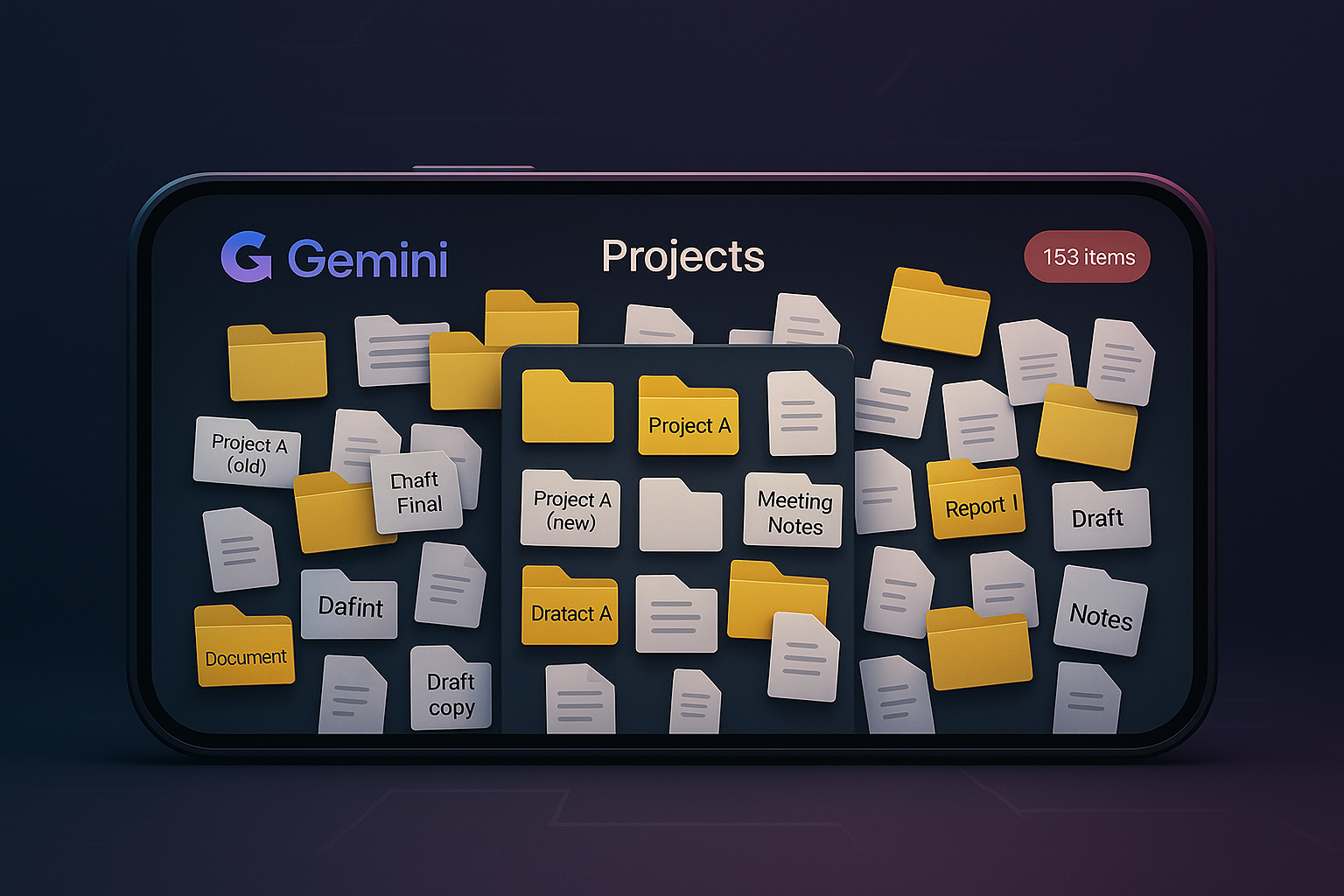
If you're wondering whether Gemini 3 Pro has project folders or any way to organize your chats, the answer is no. Gemini 3 Pro does not offer folders, grouping, or structured project organization, which makes it harder to manage ongoing research, drafts, or multi-step workflows. Unlike ChatGPT and Claude, which both include project folders, Gemini stores everything in a single chronological list. For users who switch between multiple topics or rely on organized context, this becomes a major workflow bottleneck. This article explains why the missing project folder system matters and how to work around it using tools like Notion.
Everyone online seems to have endless praise for Gemini 3 Pro.
To be fair, it is incredible at what it does, especially image generation and contextual support for research.
But there's one major problem almost nobody mentions.
And if you're someone who works across multiple ideas, multiple projects, or multiple tabs, this flaw is brutal.
The Organization Problem: Why Gemini Still Lacks Projects or Folders
Holy. This issue is way bigger than I expected.
Despite the massive upgrades to reasoning and speed, Gemini 3 Pro still lacks the project folders that power users rely on.
- No folders to store specific chat histories.
- No "Projects" feature like Claude to group documents and custom instructions.
- No way to cluster related research threads.
Users coming from other platforms are often confused, searching for "does Gemini have project folders like ChatGPT" or "why doesn't Gemini have folders." The answer is frustratingly simple: it doesn't.
While Claude has Projects and ChatGPT has customizable Folders, Gemini throws everything into one long-running chronological list. This becomes chaos if your workflow relies on switching between threads or managing long-term research.

Related Article
GPT-5.1 vs Gemini 3: Which AI Model Is Better for Real Creative Workflows?
A practical comparison for long-form work, research, and creative output—without losing track of your threads.
Read Now →Why This Matters More Than People Realize
I hop between ideas constantly.
Research → drafts → visuals → outlines → notes → new concepts → back to research.
If I can't group chats, I lose context.
If I lose context, I lose momentum.
There have been days where decision fatigue hits not because the work is hard, but because I wasted 20 minutes trying to find a single line from an old chat.
That friction compounds.
Gemini's Strengths Don't Cancel This Out
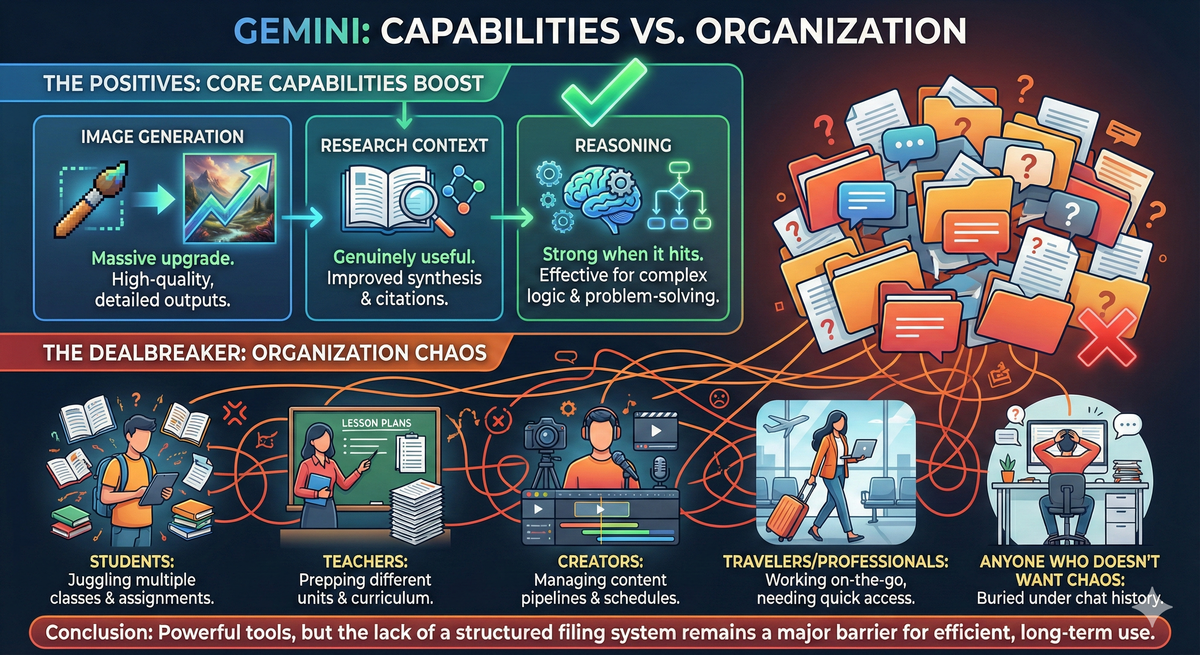
Image generation? Massive upgrade. Research context? Genuinely useful. Reasoning? Strong when it hits.
But the lack of organization is still a dealbreaker for anyone managing multiple workstreams: founders, operators, builders switching contexts, and anyone who doesn't want chaos buried under their chat history.
If You Use Gemini Exclusively, You NEED a Second Brain
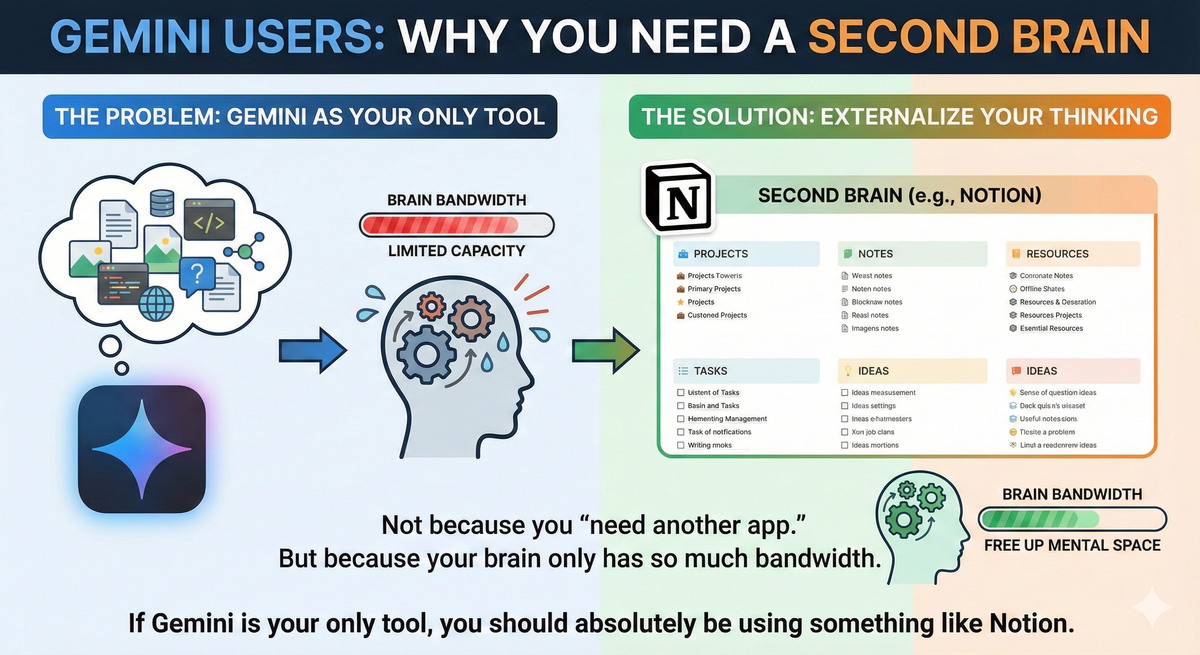
If Gemini is your only tool, you absolutely cannot rely on its native history. You need an external system.
Until Google adds native folders, the best workaround is pairing Gemini with a structured workspace like Notion.
I realized early on that I couldn't rely on Gemini's sidebar. Instead, I built an automated workflow that pipes my research directly into Notion.
Read the Guide: How I Use AI to Organize My Week Inside Notion
Without this external "brain," you are forced to sift through endless chronological chats, search for exact phrases you might have forgotten, and recreate work because you couldn't locate the previous output. That is time you aren't getting back, and time that could have been spent doing real focused work.
When Will Gemini Have Folders?
This is one of the most searched questions about Gemini right now, and the honest answer is: Google hasn't announced a timeline. Given that both of Gemini's main competitors have already shipped this feature, the pressure is there. But until it arrives, the workaround is an external knowledge system, not waiting.
The Bottom Line
Gemini 3 Pro is an incredible model.
But the lack of project folders creates real workflow pain, especially for anyone who relies on structured thinking, iterative building, or rapid context-switching.
Until Google fixes this, the solution isn't switching models. It's pairing Gemini with a proper knowledge management system. For me, that's Notion. For you, it might be something else.
But one thing is certain: Gemini's greatest weakness isn't its output. It's the organization around it.
The fact that two of the biggest AI platforms already built this and Gemini still hasn't says something important about how Google is prioritizing the user experience. Good AI design isn't just about the model. It's about the system built around it.
If you're building AI products and want to talk about getting the architecture right from day one:
Let's talk about AI system design and building a product experience that actually works.
Related Reading
Explore more AI tools and workflows: