Stop Chasing Every New AI Tool — Here's What's Actually Worth Learning (Perplexity AI / ChatGPT / Gemini)
Most new AI tools aren't worth your time. Here's my take on the three that actually matter — Perplexity AI, ChatGPT, and Gemini — and how I use them daily for focused, productive work.
💭 Introduction
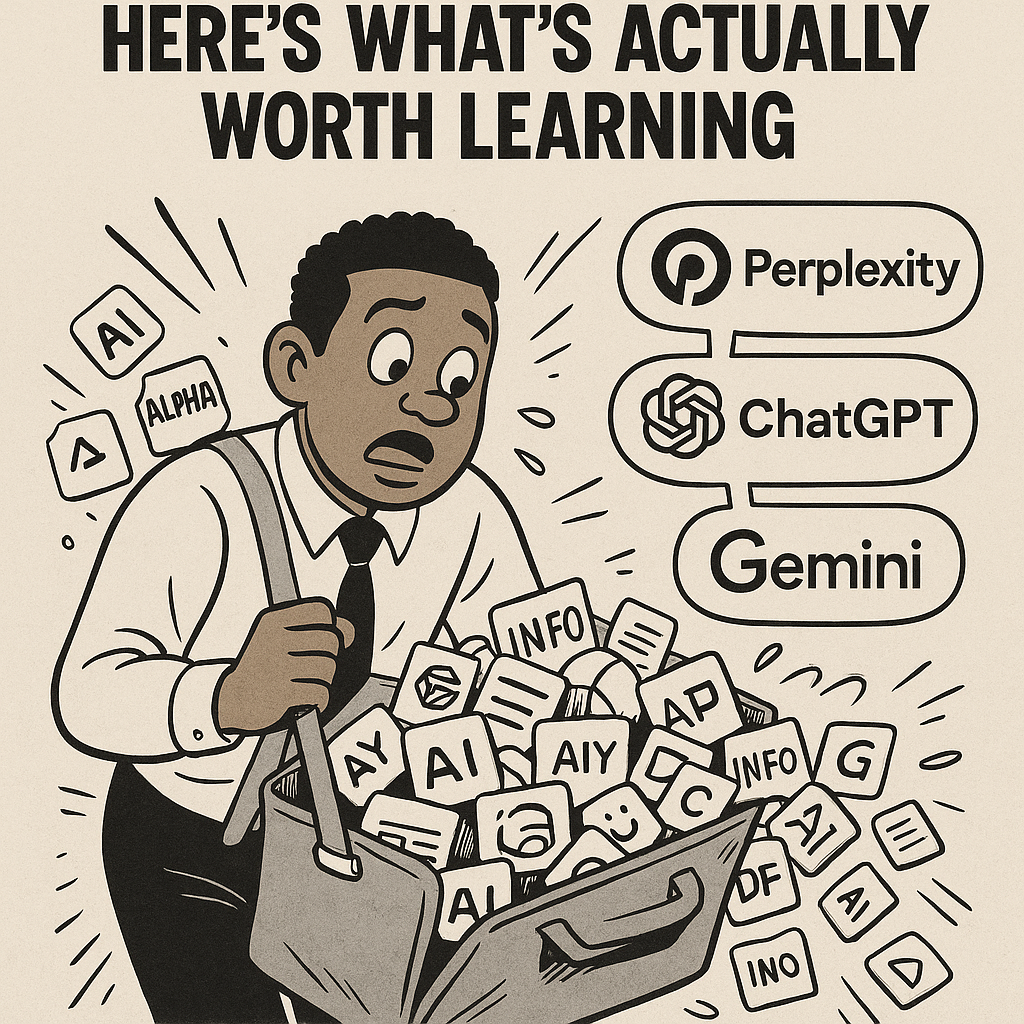
There's a new AI tool dropping almost every single day — and honestly, it probably doesn't deserve your attention (at least, not yet).
When you're just getting started with AI, the main goal isn't to collect every shiny new app; it's to find one or two reliable tools that actually help you get work done. Before diving into tools, make sure you have a solid brand system foundation in place.
In this post, I'll break down three of the most popular AI tools — Perplexity, ChatGPT, and Gemini — and show how I use each one to stay focused and productive every day.
🧠 Perplexity AI — The Research Savant
When you open Perplexity AI for the first time, it's tempting to just type in your question and let it run wild. But before you hit "enter," there are a few features that can make your results 10x better.
Perplexity gives you three main tabs to choose from before submitting your query:
- Search — Quick answers to simple questions.
- Research — In-depth analysis pulled from multiple credible sources.
- Labs — A place to collect ideas and bridge them into docs or dashboards.
The Research tab is where you'll spend most of your time.
Before starting any big project — whether it's a new campaign, a blog, or a product idea — having a clear plan matters. What used to take weeks of gathering insights can now be done in about 10 minutes with the right AI prompts.
But here's the key: generic questions get generic results.
Instead of asking "What is my target audience?", try phrasing it with context:
"Based on current trends in small business automation, what audience segments are most likely to adopt AI workflows?"
See the difference?
AI responds best to clarity and specificity. Using precise language, industry terms, or a short explanation of your goal can dramatically improve your output.
Prompting isn't a "no-brainer." It's a skill — and mastering it will save you countless hours later.
(I'll cover advanced prompting frameworks in a future post.)
💬 ChatGPT — The Daily Workhorse
ChatGPT is my go-to AI model — it's where I brainstorm, outline, and write most of my content.
What I love most about it is organization.
You can drag and drop conversations into folders, keeping your ideas, projects, and notes neatly separated. It's perfect for someone juggling multiple clients, brands, or content projects.
Unlike Perplexity, ChatGPT isn't built around "projects." You can jump into a conversation anytime and experiment freely.
That said, I rarely use ChatGPT for research. I prefer getting multiple perspectives from Perplexity instead. ChatGPT shines when it comes to:
- Drafting copy and blog posts
- Building content strategies
- Mapping workflows and automation systems
- Brainstorming branding ideas
For a complete guide on building your AI-powered content engine with these tools, check out this resource.
If you're serious about AI workflows, get one paid subscription. Once you have the right tools, you can start building simple automation systems that save hours every week.
Free models are great for testing, but they're slower and limit your ability to scale. Having one reliable AI assistant that's fast and always available is worth the small monthly cost.
🎥 Gemini — The Content Summarizer
My favorite thing about Gemini (Google's AI) is how it handles YouTube summaries.
Drop in any video link, and Gemini can generate a written overview of the entire video — key points, timestamps, and takeaways.
It's perfect when you're short on time or researching multiple topics.
Instead of watching hour-long interviews or tutorials, you can get the full breakdown in a few minutes.
Ask Gemini to:
- Summarize key lessons
- List main arguments or opinions
- Highlight timestamps for visual sections
For creators and researchers, this is an underrated tool that saves time and mental bandwidth.
⚙️ Final Thoughts — Learn Deep, Not Wide
AI tools are meant to amplify your work, not think for you.
It's always good to double-check the information you get — not because AI "lies," but because your understanding sharpens when you question it.
When I'm coding or writing, even a tiny syntax error can break something that looks fine on the surface. AI works the same way — 95% of the output might be perfect, but that 5% you review manually can be the difference between okay and great.
So don't chase every shiny new release.
Pick a few tools, learn them deeply, and master how they fit your workflow. If you're building a brand system, make sure to check out why your brand system should come first.
The people who win with AI aren't the ones who try everything — they're the ones who execute consistently with what works. For more insights on AI tools and workflows, explore all our guides.
✏️ Quick Recap
| Tool | Best For | Key Strength |
|---|---|---|
| Perplexity AI | Market Research | Deep data-backed insights |
| ChatGPT | Writing & Organization | Structured workflows and content creation |
| Gemini | Summaries | Time-saving YouTube and web summarization |
💼 Need Help Streamlining Your AI Workflow?
If you're ready to stop guessing and start building, I offer 1:1 AI workflow consultations to help creators and small businesses systemize how they use tools like ChatGPT, Perplexity, and Gemini.
Together, we'll build a personalized setup that saves you time, improves output, and removes bottlenecks.
👉 Book a free consult with Lopez Productions to start designing your AI-powered workflow today.
Ready to streamline your AI workflow?
Get a free 20-minute consultation and discover how to systemize your AI tools for maximum productivity.