AI Tools You Need to Start Your Content Engine (2025 Edition)
Learn how to build your own AI-powered content workflow using tools like ChatGPT, Claude, Perplexity AI, Midjourney, Notion, and Make.com.
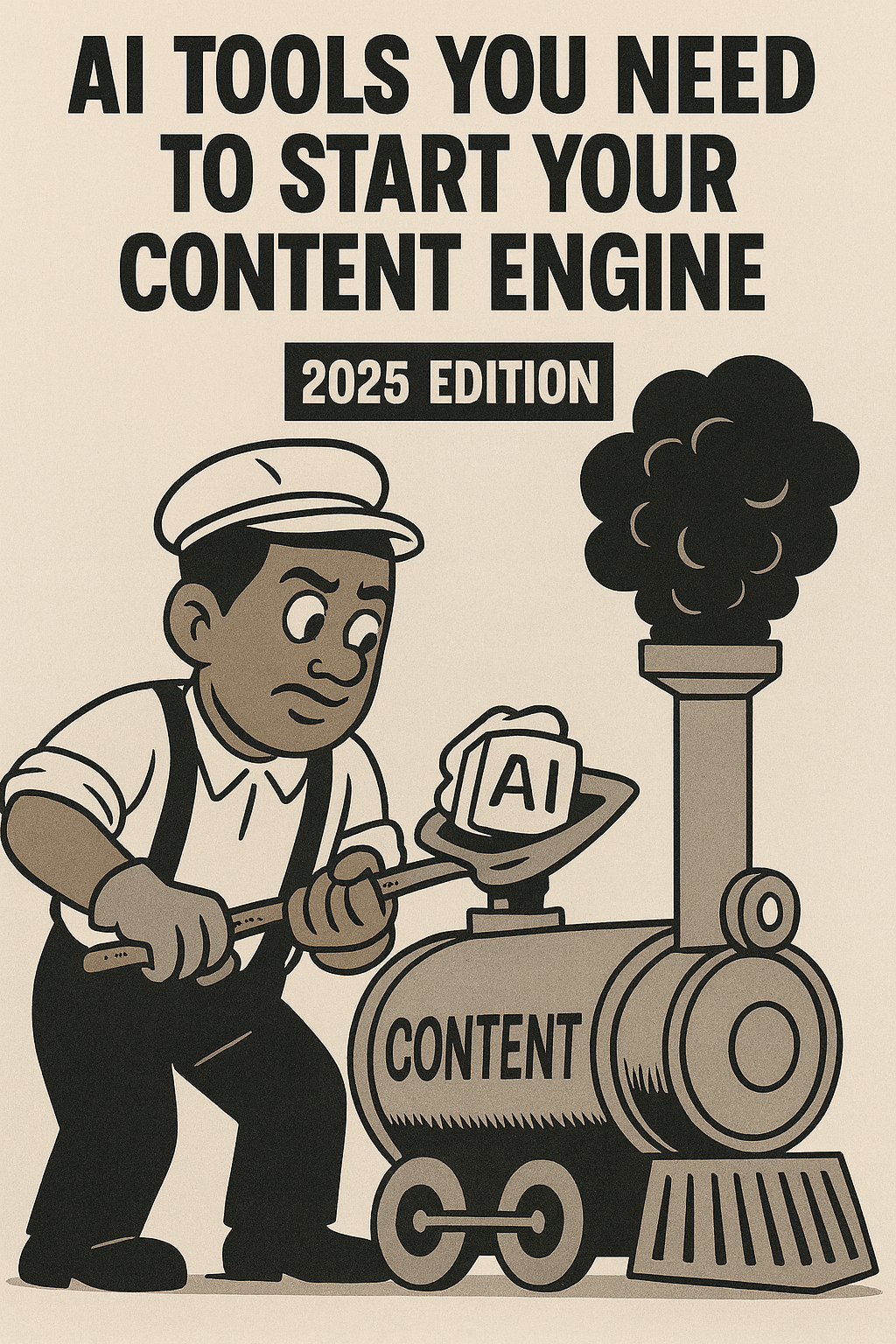
Building a content engine that runs itself isn't easy — but understanding the five key pillars of AI-powered creation will save you massive amounts of time and energy. Whether you're a solo creator, small agency, or full-stack business, these tools form the foundation of an AI-driven content workflow that scales with you. Before building your content engine, make sure you have a solid brand system foundation in place.
1. Content Copy – Using AI as Your Creative Co-Pilot
Keywords: AI writing tools, ChatGPT, Claude, AI copywriting, generative AI for marketing
You can write everything by hand — and you should. Your unique thoughts and perspective give your words weight. But AI can help you refine them.
Tools like ChatGPT and Claude are the most trusted large language models (LLMs) for drafting, editing, and polishing copy. Think of them as an extra set of eyes to help your writing hit just right. For a deeper dive into which AI tools are actually worth your time, see this guide.
Use them to:
- Rewrite and clarify ideas faster
- Generate alternate headlines or hooks
- Proofread long-form content before publishing
Tip: Ask AI to mimic your tone instead of writing from scratch. This keeps your voice authentic while saving hours of manual editing.
2. Research – Expand Beyond a Single Model
Keywords: AI research tools, Perplexity AI, Grok, deep research models, AI search engines
Relying on one AI model for everything limits your perspective. Tools like Perplexity AI and Grok are purpose-built for deep research. They can summarize long articles, compare opinions, and help you identify trends before they peak. These are part of the three AI tools that actually matter for creators.
Both platforms offer "Deep Research" or "Pro Mode" options that analyze context far better than standard search results. If you're comparing multiple sources or validating facts, toggle those on.
Pro Tip: Look out for subscription promos — Perplexity recently partnered with PayPal and Venmo to offer a free year of Perplexity Pro (affiliate link placeholder).
3. Images – Generating Visuals That Fit Your Brand
Keywords: AI image generation, Midjourney, Gemini, ChatGPT image generation, brand visuals
Visuals are the backbone of any content engine. Great design captures attention before your copy does.
Use:
- Midjourney for high-quality image creation and aesthetic variations
- Gemini or ChatGPT (image mode) when you need on-image text or branded visuals
Midjourney excels at generating stunning image series in seconds. However, it struggles with clean typography — that's where Gemini or ChatGPT step in.
Pro Workflow: Batch-generate image variations in Midjourney → refine or add text with ChatGPT → finalize captions in Notion.
4. Productivity – Organize Your Digital Brain
Keywords: Notion, NotebookLM, Obsidian, productivity tools for creators, knowledge management
Here's the truth: your biggest bottleneck isn't creativity — it's disorganization. You need a second brain to store ideas, notes, and assets so you can create faster.
Top tools to try:
- Notion: Beginner-friendly drag-and-drop workspace for databases and dashboards
- NotebookLM: Google's experimental app that turns your docs into dynamic AI conversations
- Obsidian: Privacy-focused markdown system with powerful linking and plugins
All three serve as your foundation for automation later. Once your data lives in rows and databases, you can connect it to AI and watch your workflows run automatically.
5. Automation – Turning Ideas Into Systems
Keywords: workflow automation, Zapier, Make.com, n8n, AI automation tools
Automation is where your content engine truly scales. It's also where most creators get stuck — because it's the most technical. For a beginner-friendly guide to building simple automation systems, check out this resource.
Start simple with Zapier (great UI, but limited free plan). When you're ready for more complex workflows, Make.com offers multi-step automation on free tiers.
For advanced users or devs, n8n is the holy grail: fully customizable, open-source, and ideal for connecting Notion, AI APIs, and publishing tools.
Example Workflow:
"When I publish a blog in Notion, Make automatically sends the summary to Buffer and uploads the image from Midjourney."
That's your content engine in action — one trigger, multiple outputs.
Wrapping Up
These five pillars — Copy, Research, Images, Productivity, and Automation — form the AI Content Creation Stack that powers modern creators and small studios alike. Remember that your brand system should come before automation.
If you found this guide helpful and want to learn how to automate your own system, reach out through the contact form on the homepage for a 1-on-1 setup session.
Thanks for reading — and remember: build once, automate forever. For more insights on AI tools and workflows, explore all our guides.
Suggested SEO Tags:
#AIContentCreation #NotionAutomation #WorkflowAutomation #AItools #ProductivityApps #ContentEngine #ChatGPT #Claude #PerplexityAI #Midjourney #Makecom #Zapier #n8n
Ready to automate your content engine?
Get a free 20-minute audit of your current processes and discover which workflows you can automate today.