GPT-5.1 vs Gemini 3: Which AI Model Is Better for Real Creative Workflows?
A creator-focused comparison of workflow reliability, long-context reasoning, creativity, accuracy, and real-world integration.
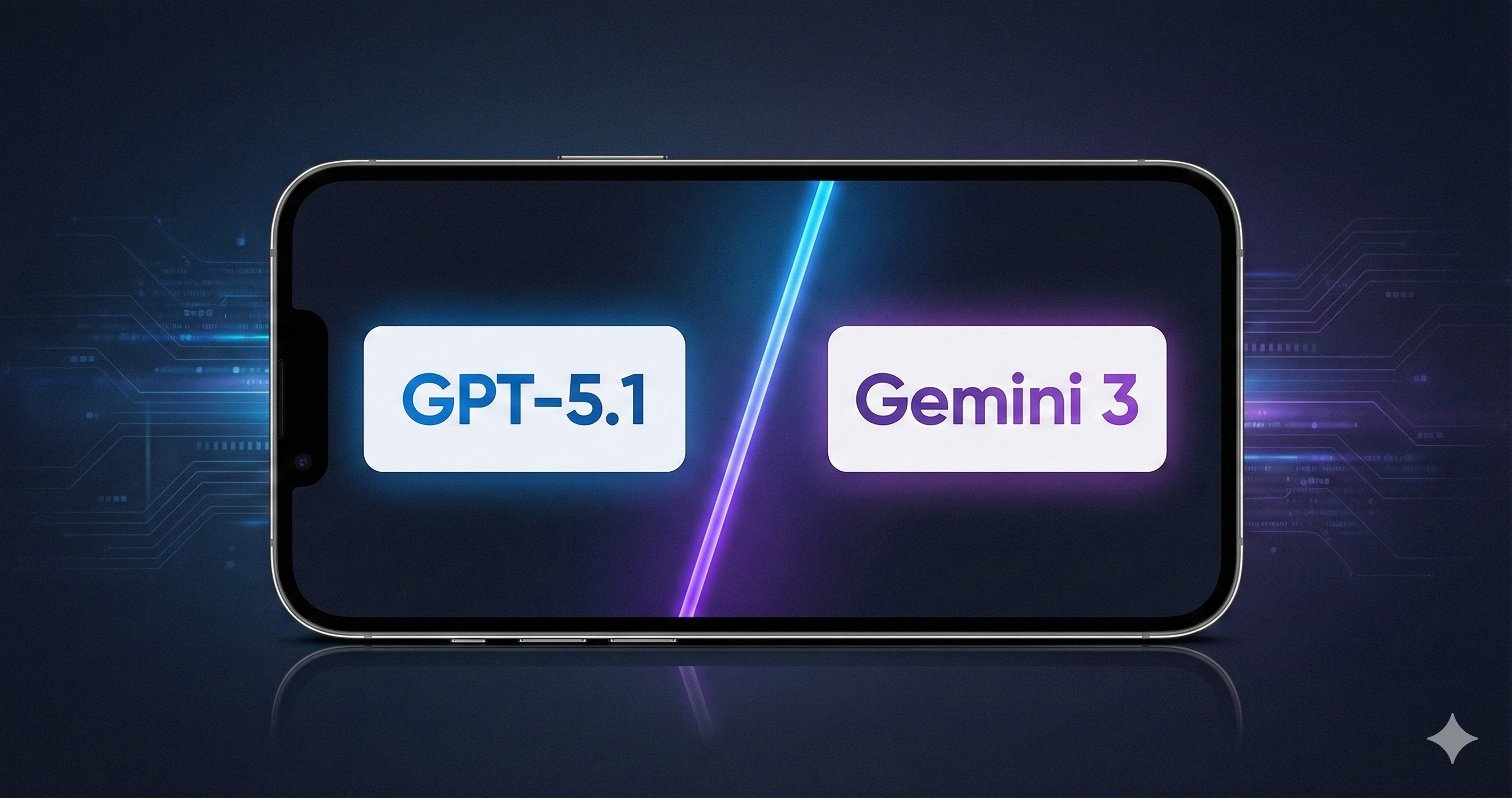
A practical breakdown of GPT-5.1 vs. Gemini 3 written specifically for creators, students, small teams, and automation-focused professionals. Covers workflow reliability, PDF handling, creativity, citation accuracy, and tool integrations like Notion and Make.com.
GPT-5.1 vs Gemini 3 (Quick Answer)
| Feature | GPT-5.1 | Gemini 3 |
|---|---|---|
| Best For | Systems, Ops, Long PDFs | Visuals, Citations, Ideation |
| Organization | Excellent (Folders, Projects) | Poor (No native folders) |
| Accuracy | High (Business/Logic) | High (Academic/Citations) |
| Creativity | Structured (Follows rules) | Freeform (High vibe) |
| The Verdict | The Operations Engine | The Creative Accelerator |
GPT-5.1 vs Gemini 3: Which AI Model Is Better for Real Creative Workflows?
By Reuben Lopez | Lopez Productions – AI Workflows & Content Systems for Creators
Most comparison posts focus on benchmarks or model size.
Creators don't care about benchmarks.
Creators care about workflow reliability, organization, PDF handling, creative consistency, system-building, and how well the model manages the chaos of running a business or school schedule.
This breakdown takes the only angle that actually matters for working creators:
- Which model handles your workflow better?
- Which one keeps you organized?
- Which one stays accurate when the project gets messy?
- Which one makes your content generation faster, not harder?
This is the first comparison written from a system-builder and creator workflow standpoint, not a lab-testing perspective.
What Is GPT-5.1? (Definition)
GPT-5.1 is OpenAI's reasoning-first model built for:
- multi-step workflows
- JSON, YAML, and schema handling
- complex automation setups
- long-context comprehension
- structured creativity
- Notion, Airtable, and Make.com integrations
It's the closest thing to a true operations engine for creators and professionals.
What Is Gemini 3? (Definition)
Gemini 3 is Google's newest multimodal model built for:
- speed
- accuracy in citations
- fast image generation
- mobile-first workflows
- creative brainstorming
- visual reasoning
It's powerful, but not built around workflow organization the way GPT is.
1. Workflow Reliability
GPT-5.1
GPT is the gold standard for workflow reliability.
- Highly organizable
- Stable across long, multi-step processes
- Handles JSON, YAML, schemas, and precise instructions
- Great for production-grade workflows
I have far more experience with GPT than Gemini, and I still feel like I'm learning new layers of its reasoning. But even with those quirks, GPT is dramatically better at organizing every part of my creative and business world.
I use GPT to sort:
- ideas
- website updates
- analytics tasks
- brand notes
- automation flows
I can brain-dump 50 ideas, and GPT will turn them into a structured system across folders and subfolders.
For someone juggling multiple projects, that's everything.
Gemini 3
This is not what Gemini is built for right now.
There's:
- no intuitive way to organize threads
- no folders
- no project containers
- no long-term workflow memory
My Gemini chats look like chaos (because they are).
This is exactly why I don't store my work in Gemini. I treat Gemini like a whiteboard (temporary) and my Creator System OS as the filing cabinet (permanent).
If you are tired of losing your best prompt outputs in a messy chat history, you need a system to catch them. Get the folders Gemini is missing.
Great model — but not a workflow handler.
What Gemini does offer:
- extremely fast responses
- highly reliable citations
- faster image generation (often 30s faster than GPT)
But workflows? No.
Winner: GPT-5.1 — the model you use to build your systems.
2. Long-Context Reasoning & Organization
GPT-5.1
- Best-in-class for long PDFs (20–80 pages)
- Maintains coherence across huge chains of reasoning
- Great at summarizing, synthesizing, and organizing complex info
- Thrives when there's structure (folders, project threads)
One underrated benefit: chat folders.
I can isolate projects, split overloaded chats, and stay organized.
GPT does slow down or hallucinate when a chat is overextended, but the fix is simple:
Create a new chat inside the same project folder.
This keeps the context organization tight and workflows smooth.
Gemini 3
Gemini's biggest weakness: organization.
- No folders.
- No project containers.
- No persistent structure.
So to compensate, users have to:
- limit each thread to one topic
- rename threads constantly
- create dozens of variants (idea A, idea B, idea C…)
This gets painful fast.
Winner: GPT-5.1 — nothing else is close.
3. Creativity
GPT-5.1
GPT excels at structured creativity, where there are rules:
- brand palettes
- image consistency
- character style guides
- layout constraints
- editorial design
If you need creativity inside a workflow, GPT is the one.
Gemini 3
Gemini's creativity is electric.
- wildly expressive
- fast variations
- strong vibe-based generation
- incredible for thumbnails and storyboards
Its Nano Banana Pro image generator is arguably the best part of the entire LLM — especially for creators visualizing ideas quickly.
Winner: Gemini 3 — unmatched for freeform creativity and visuals.
GPT rules the grid. Gemini rules the vibe.

Related Article
Nano Banana Pro vs GPT-5.1: Which AI Image Model Actually Performs Better?
A real-world image generation comparison between Nano Banana Pro and GPT-5.1 using three test prompts: realistic portraits, anime cyberpunk characters, and clean branded graphics.
Read Now →4. Accuracy & Stability
GPT-5.1
- Strong accuracy overall
- Great for summaries, explanations, general research
- Low hallucination rate when given clear instructions
- Still imperfect with deeply specialized graduate-level topics
GPT's accuracy shines in real-world workflows where structure matters.
Gemini 3
- Exceptional citation accuracy
- Better at academic references
- Very strong at factual extraction from sources
Students will prefer Gemini for this reason alone.
Winner: Gemini 3 — especially for citations and academic tasks.
Pro Tip for Students: Use Gemini to find the citations, but store them in the 'References' database of your Student Notion Dashboard so you can export your bibliography later.
Final Verdict
Use GPT-5.1 if you want to:
- ✔ build systems
- ✔ organize large projects
- ✔ create structured visuals
- ✔ integrate with Notion, Make.com, Zapier
- ✔ handle complex workflow logic
- ✔ process long PDFs
- ✔ maintain creative consistency
GPT = the Operations Engine.
Use Gemini 3 if you want to:
- ✔ generate images fast
- ✔ visualize ideas
- ✔ create thumbnails/storyboards
- ✔ get accurate citations
- ✔ do academic research
- ✔ rapidly explore creative variations
Gemini = the Creative Accelerator.
Creators Should Use Both.
Gemini 3 generates the ideas.
GPT-5.1 turns them into systems.
Together, they give you a full creative + operational stack.
Related Reading
Explore more AI tools and workflows:
- The Worst Thing About Gemini 3 Pro (That No One Talks About)
- Gemini 3's Image Issues Aren't About Style — They're About Context
- Nano Banana Pro vs GPT-5.1: Which AI Image Model Actually Performs Better?
- How to Generate Clean, Brand-Ready Website Images Using ChatGPT 5.1
Professional Brand Sheet
$135
Receive a clean, modern brand sheet that defines your visual identity in one place — colors, fonts, logo variations, spacing rules, and brand tone. Ideal for creators launching a website, businesses formalizing their look, and anyone who wants a consistent, professional appearance online.
Ready to build your content engine?
Get a free 20-minute audit of your current processes and discover which workflows you can automate today.