Gemini 3's Image Issues Aren't About Style — They're About Context
A Neutral Field Analysis of Semantic Grounding, Prompt Length, and Image-Based Workflows
After publishing my comparison of ChatGPT 5.2 vs Gemini 3 Pro, I went back through months of past image-generation work to better understand a pattern I couldn't fully explain at first.

Gemini 3 often produces excellent images.
Other times, especially when working from screenshots, it behaves unpredictably — ignoring reference details or returning unexpected files when downloading outputs.
At first glance, this can feel like inconsistency.
After reviewing multiple examples side by side, a more accurate explanation emerged:
Gemini 3 appears to have limitations when ingesting images as contextual inputs, particularly when those images are combined with long, constraint-heavy prompts.
This post isn't a critique or a verdict.
It's an attempt to document observed behavior, outline conditions that seem to increase the likelihood of issues, and help others work around them.
Gemini 3's Strengths Are Still Clear
Before getting into the analysis, it's important to establish what Gemini 3 does well.
Gemini 3 consistently performs strongly when tasked with:
- Infographics and diagram-style visuals
- Abstract or conceptual imagery
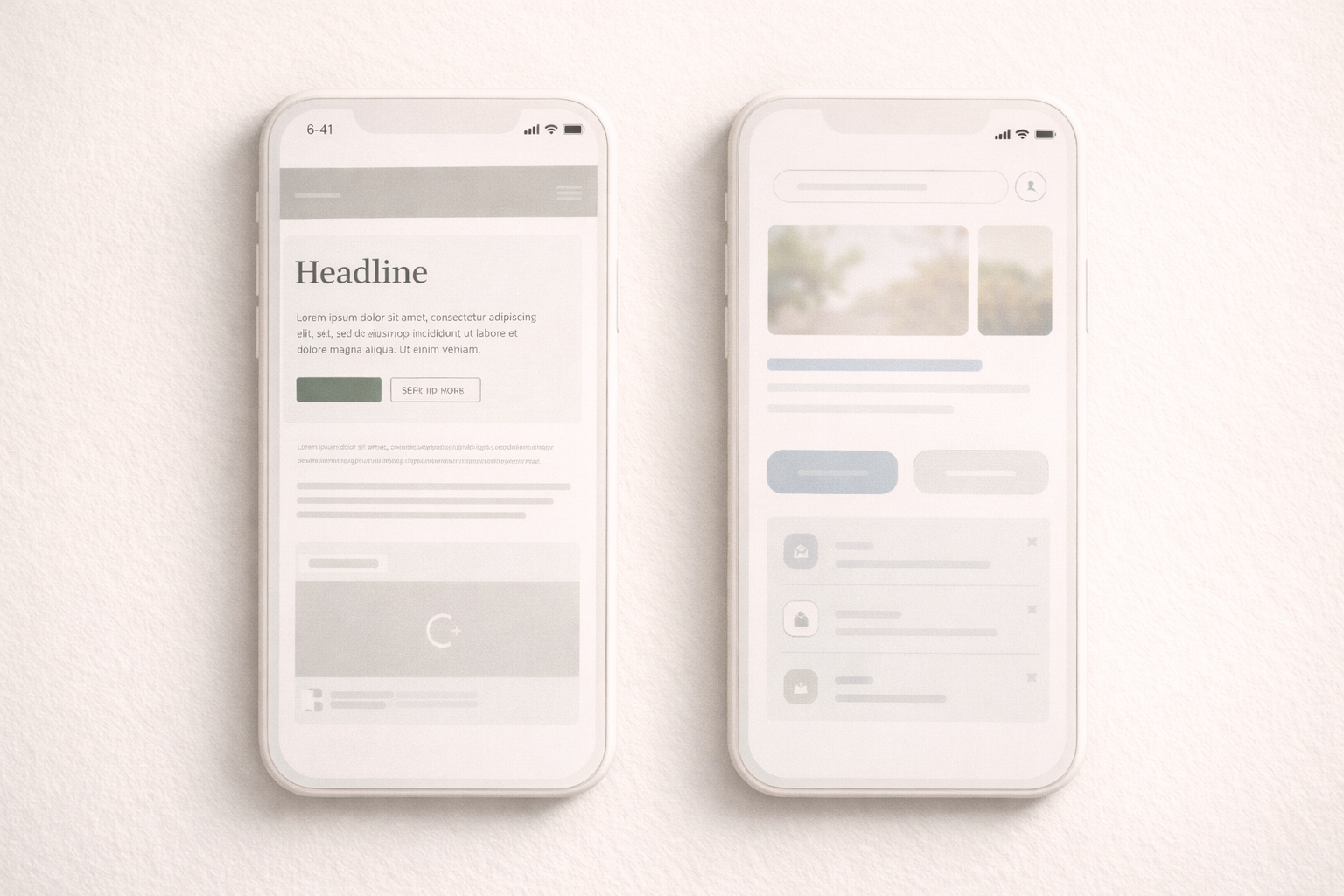
- Generalized UI mockups
- Style-driven compositions
- Text-only image prompts
When Gemini 3 is asked to invent rather than translate, it adheres closely to stylistic direction and produces visually polished results.
None of that has changed.
The behaviors discussed below appear primarily when Gemini 3 is asked to use an uploaded image as contextual reference, not merely as inspiration.
The Core Observation: Image Context Is Treated Loosely
Semantic grounding refers to a system's ability to treat an input — such as a screenshot — as authoritative context, rather than optional inspiration.
In repeated testing, Gemini 3 often appears to:
- Recognize the style of an uploaded image
- But reinterpret or generalize its structure
This becomes more noticeable as prompt complexity increases.
Rather than translating an image faithfully, the model may produce a clean but generic result that no longer reflects the original layout, hierarchy, or content relationships.
Three Practical Usage Modes (Why Results Vary)
Based on repeated use, Gemini 3 appears to operate reliably under certain conditions and less reliably under others.
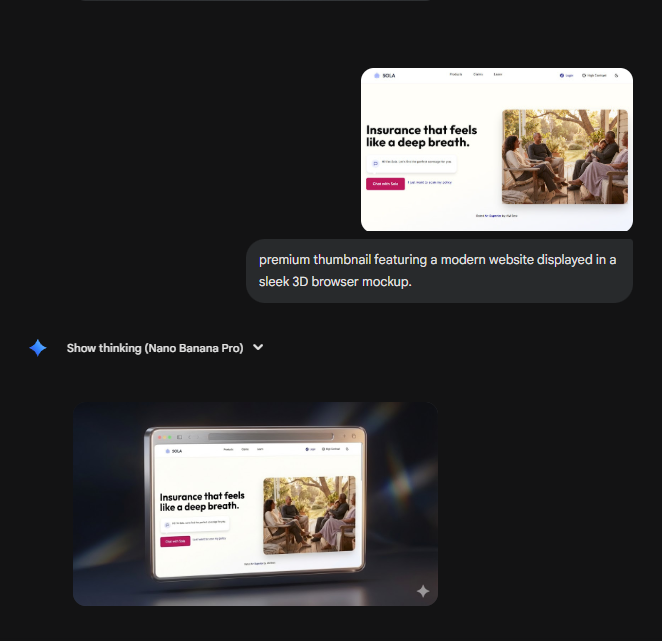
Mode 1: Short Prompt + Image
- High-level instructions
- Minimal constraints
- Image treated lightly
Observed result:
Clean image generation with correct downloads.
Mode 2: Long Prompt + Image
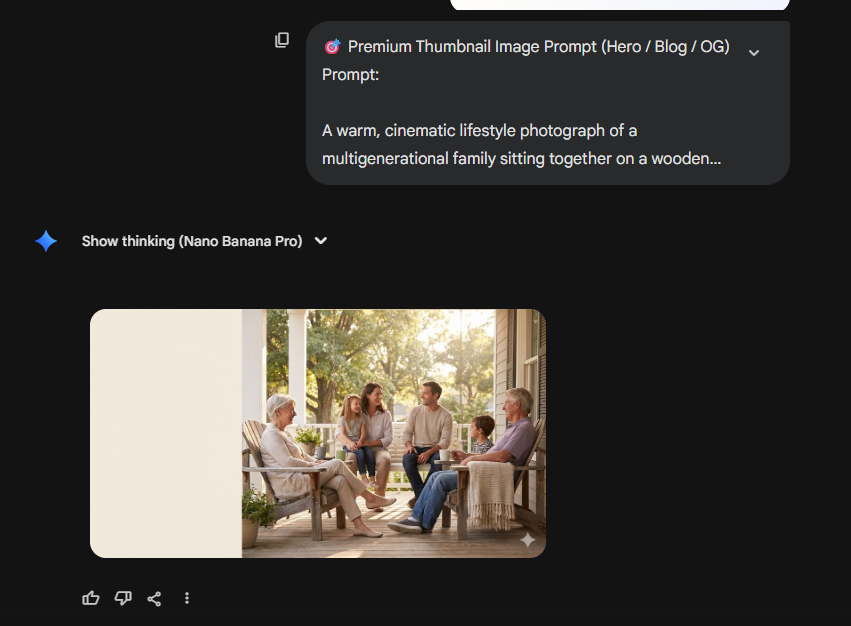
- Detailed, multi-constraint prompts
- Image expected to act as contextual source
- Structural accuracy required
Observed result (in many cases):
- Loss of layout fidelity
- Generic reinterpretation
- In some cases, unexpected download behavior
This is where most reported issues appear.
Mode 3: Long Prompt Without Image
- Text-only context
- No visual grounding required
Observed result:
Strong stylistic compliance and stable output.

This suggests the issue is not prompt length alone, but how prompt complexity interacts with image-based context.
Download Behavior: What's Been Observed
In some image-based generations, the following behavior has occurred:
- The generated image displays correctly in the interface
- Clicking "Download" returns the original uploaded screenshot instead
- The downloaded file may have an unusual or unexpected filename
It's important to be careful in how this is framed.
There is no evidence that this behavior is malicious or unsafe.
However, it can be confusing in professional workflows, especially when working with reference images.
Likelihood, Not Certainty
It would be inaccurate to claim this behavior occurs every time.
What can be said more confidently is:
Certain conditions appear to increase the likelihood of unexpected output behavior.
Those conditions include:
- Long, constraint-heavy prompts
- Uploaded screenshots used as contextual input
- Tasks that require strict translation rather than interpretation
Short prompts with images, or long prompts without images, often behave as expected.
Screenshot Complexity May Be a Contributing Factor
One additional variable that may play a role is image complexity.
In limited testing:
- Screenshots containing simple layouts or logos were less likely to cause issues
- Screenshots containing people, photography, or complex visual scenes were more likely to encounter problems when paired with long prompts
This observation is not conclusive, but it suggests that:
- The semantic or visual density of an image may affect how reliably it can be used as context
- Certain image types may place more strain on the image-to-generation pipeline
At this stage, this should be treated as a working hypothesis rather than a confirmed cause.
A Practical Workaround
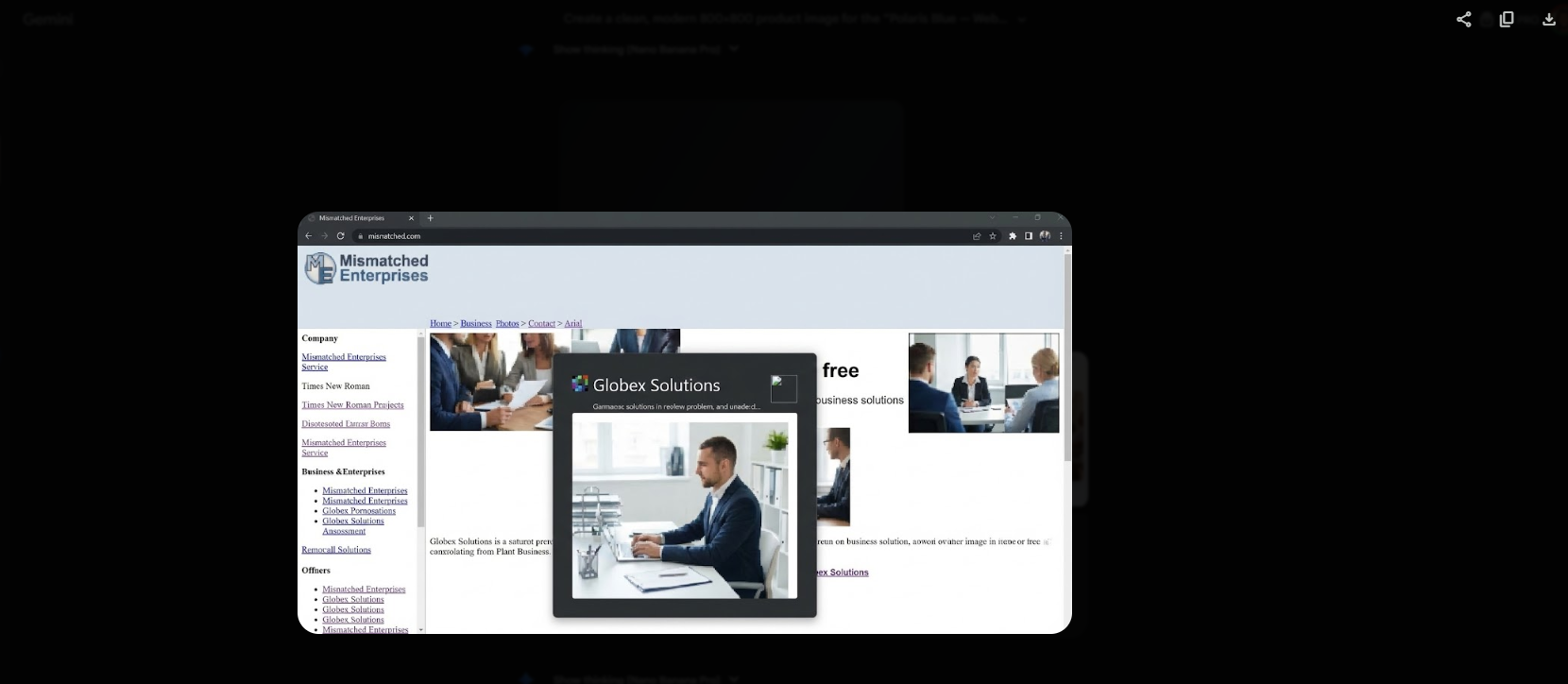
When the download behavior does not return the generated image, using the copy image function and pasting the result into another application (such as Discord) has reliably allowed access to the correct output.
This workaround does not address the underlying issue, but it can help confirm whether the generation itself succeeded.
Why This Doesn't Affect Infographics as Much
Infographics and abstract visuals:
- Do not require strict structural grounding
- Are interpretive by nature
- Reward stylistic coherence over fidelity
This helps explain why Gemini 3 continues to perform very well in those scenarios.
Tasks that involve interface translation, brand fidelity, or layout preservation place different demands on the system.
How This Relates to the ChatGPT 5.2 Comparison
In prior comparisons, ChatGPT 5.2 demonstrated:
- Stronger layout preservation
- More consistent handling of screenshots as context
- More repeatable outputs under similar conditions
Rather than framing this as a general quality difference, a more accurate interpretation is that ChatGPT 5.2 currently handles image-based semantic grounding more reliably in complex prompt scenarios.
Practical Guidance
Based on observed behavior:
Gemini 3 works best for
- Infographics
- Abstract visuals
- Concept exploration
- Short prompts with minimal image dependency
Extra care may be needed when
- Using screenshots as strict references
- Writing long, multi-constraint prompts
- Expecting brand-accurate translations
Understanding these boundaries can reduce confusion and help choose the right workflow for the task.
Final Framing
This post isn't intended to declare a winner or assign blame.
It's an attempt to document observable patterns, highlight conditions that may increase the likelihood of issues, and share practical context for others working with Gemini 3 in image-based workflows.
As tooling improves, these behaviors may change — and that would be a positive outcome.
For now, awareness is the most useful takeaway.
Related Reading
Explore more AI image generation and model comparisons:
- Why Image Accuracy Matters More Than Style: A Real Test of ChatGPT 5.2 vs Gemini 3 Pro
- GPT-5.1 vs Gemini 3: Which AI Model Is Better for Real Creative Workflows?
- The Worst Thing About Gemini 3 Pro (That No One Talks About)
- Nano Banana Pro vs GPT-5.1: Which AI Image Model Wins in 2025?
Professional Brand Sheet
$135
Receive a clean, modern brand sheet that defines your visual identity in one place — colors, fonts, logo variations, spacing rules, and brand tone. Ideal for creators launching a website, businesses formalizing their look, and anyone who wants a consistent, professional appearance online.
Ready to build your content engine?
Get a free 20-minute audit of your current processes and discover which workflows you can automate today.