UI Template
Zero Gravity UI Template
A modern, futuristic UI system that defines what Zero Gravity dashboards should be — clean, weightless interfaces built for AI-era tools.
Built with React, Vite, TailwindCSS, and Framer Motion. Features floating search elements, microgravity-style motion, and a custom Zero Gravity color palette.
Live Demo — Zero Gravity Interface Preview
What’s Inside
Floating Search Elements
Search interface with microgravity-style motion and smooth animations that feel weightless and modern.
Microgravity Motion
Elements float and drift with physics-defying animations that create a futuristic, AI-native feel.
Ultra-Minimal Spacing
Clean typography and spacing that creates a sense of depth without clutter.
Custom Color Palette
Zero Gravity color system: Zero Gravity White, Event Horizon Black, Ion Glow Blue, Quantum Mint, and Gravity Well Pink.
Drifting Cards
Interactive card components that lift on hover and create a sense of depth and interactivity.
Particle Field Background
Subtle particle effects that add depth and visual interest without overwhelming the interface.
Tech Stack
React
Component library
Vite
Build tool
TailwindCSS
Styling
Framer Motion
Animations
What’s Included
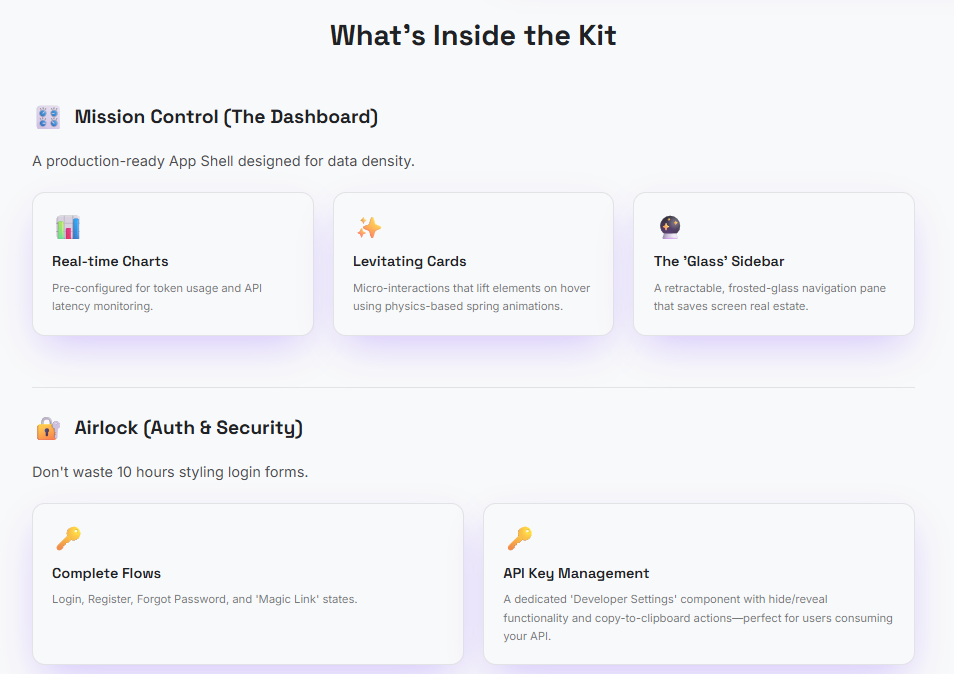
- •Complete React + Vite source code
- •All component files and assets
- •TailwindCSS configuration with custom Zero Gravity palette
- •Framer Motion animation setup
- •Setup and installation instructions
- •Documentation and customization guide
- •Commercial license included
Ready to Build Your Zero Gravity Interface?
Download the complete Zero Gravity UI template and start customizing your own futuristic interface today.
Download Template →FAQ
What's included in the Zero Gravity UI template?
The template includes the complete React + Vite codebase, all source files, TailwindCSS configuration, Framer Motion animations, custom Zero Gravity color palette, setup instructions, and documentation. You get everything needed to customize and deploy the interface.
Do I need coding experience to use this template?
Basic knowledge of React and JavaScript is recommended for customization. However, the template is well-documented and includes setup instructions. If you understand HTML/CSS basics, you can customize colors, text, and styling easily.
What technologies does this template use?
The template is built with React, Vite (for fast development), TailwindCSS (for styling), and Framer Motion (for animations). All dependencies are included and documented in the package.json file.
Can I use this for commercial projects?
Yes, once you purchase the template, you can use it for personal or commercial projects. The license allows you to modify and use the template as needed for your projects.
Is the template mobile-responsive?
Yes, the template is built with mobile-first responsive design using TailwindCSS. It works seamlessly across desktop, tablet, and mobile devices.
How do I get support if I have questions?
The template includes comprehensive documentation and setup instructions. For additional support, you can reach out through the contact information provided with your purchase.
Learn More
Read the full story behind this template and why it was built:
Zero Gravity: The Story Behind the Dashboard UI →