Cursor Tutorial for Designers: "Vibe Coding" and UI Systems for Non-Coders
If you are a UI/UX designer, you have likely watched the AI coding revolution with a mix of awe and deep frustration. Yes, AI can ship a working React app in seconds—yet almost every time, the result is a sterile, generic-looking interface. This guide is about breaking that pattern without becoming a hand-coding purist.

Can a designer use Cursor to build real UI without writing every line of code? Yes—but only if you stop letting the model guess what "beautiful" means. The answer that keeps interfaces from looking like the same blue-gray dashboard week after week is to encode your design tokens, component rules, and visual constraints in project-level instructions (usually a .cursorrules file) before you let Agent mode touch the canvas. Natural-language prompts are not a substitute for an art director: they are a thin layer on top of a system you have already defined.
By default, AI will lean on flat hex codes, default Tailwind utilities, and a forgettable "SaaS template" look. It does not have to be that way. Below is the workflow I use to force the AI to respect a tactile, human-first visual identity.
New to Cursor? If you have not installed the editor or you are not sure how Agent, Plan, and the editor views work, start with my How to Use Cursor AI in 2026: The Zero-BS Beginner's Guide—then come back here for the design-system layer.
Can I Use Cursor as a Non-Coder? (The "Vibe Coding" Reality)
A major trend is "vibe coding": building software through natural language without typing syntax yourself. So—can you use Cursor if you do not know how to code? Yes. There is a trap, though, that hits designers hard.
If you open Cursor and only type, "Make me a beautiful dashboard," the model guesses what "beautiful" is from training data. That usually means safe, flat, 2020-era corporate UI. To successfully vibe code in Cursor, you stop acting like a one-shot prompt engineer and start acting like an art director. You do not have to know how to hand-write a CSS grid, but you must know how to define design tokens, component limits, and visual rules before the AI writes the first class name.
Cursor for UI Design: Breaking the Flat UI Curse
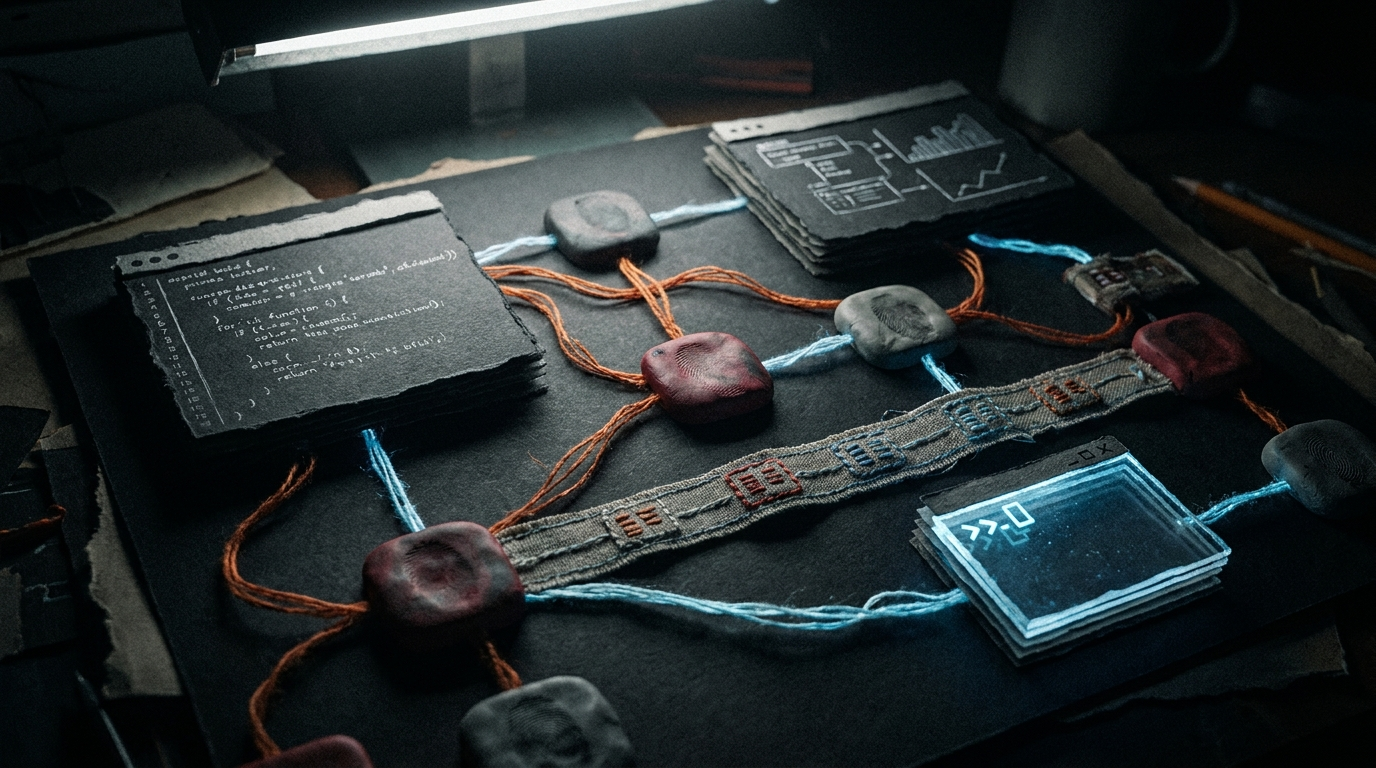
We are in a real design shift. People are tired of AI-generated sameness. A lot of teams are moving toward a more tactile, human-made feel: interfaces that read as material, paper, or clay—not glassy, neon, or "default Tailwind."
If you want Cursor to build UI with paper textures, soft clay shadows, and mineral-toned borders, you cannot rely on a single adjective in the chat. You have to encode the design system into the project so the model is constrained on every file touch.
The Designer's .cursorrules Masterclass
To control Cursor's visual output, you use a .cursorrules file: a plain text file in your project that Cursor reads before it generates or edits code. For a designer, this is your on-repo brand guide.
Here is a template you can start from to bias the model toward a tactile, non-generic system (tighten the tokens to match your own palette and motion rules):
# UI Architecture & Visual Identity
You are an expert UI Engineer. Your goal is to translate natural language into a highly specific, tactile design system.

## 1. The Anti-Generic Rule
- NEVER use default Tailwind colors (e.g., bg-blue-500, text-gray-800).
- NEVER use flat, sterile hex codes for backgrounds or primary buttons.
- Avoid hyper-corporate, "SaaS-template" aesthetics.

## 2. The Texture Token System
You must STRICTLY use the following CSS variables for all styling. Do not invent your own colors.
- Primary Surfaces: var(--texture-paper) or var(--texture-clay)
- Borders & Dividers: var(--color-mineral)
- Accents: var(--fabric-stitched)
- Shadows: Use var(--shadow-soft-clay) instead of default drop-shadows.

## 3. Component Behavior
- All buttons must have a subtle transform scale effect on active/click states to feel mechanical and physical.
- Use slight imperfections in border-radius where appropriate to mimic analog design.
- Ensure all typography adheres to a strict modular scale; do not use arbitrary font sizes.

When this lives in the repo, you are not hoping the model picks tasteful grays—you are forcing it to stay inside your token vocabulary. The goal is to make "generic blue dashboard" the path of higher resistance, not the default.
Related Article
How to Use Cursor AI in 2026: The Zero-BS Beginner's Guide
Composer vs Plan vs Ask, split-screen workflow, Cursor vs ChatGPT for coding, and how .cursorrules keep your codebase consistent and your secrets off GitHub.
Read Now →The Cursor Design Workflow (Step-by-Step)
Once your rules and tokens are in place, this is the loop I use to build components without hand-writing every line:
- Start in Plan mode. Do not let Cursor ship code the second you have an idea. Ask it to outline the component: structure, which tokens apply, and what it will not do (e.g. no default Tailwind blues). Example: "Plan a pricing card that only uses the Texture Token System—list the variables and states."
- Review and approve. Read the plan. Reject anything that smuggles flat hex defaults or "just use bg-gray-100" when your system says otherwise.
- Switch to Agent mode. Have it execute the plan and watch the editor view as files change.
- The vibe check (iterative tuning). When the first pass is in, use Ask / Chat for small tactile edits: highlight a button or container and say, "Make this feel heavier," or, "The contrast is too sterile—nudge it toward the clay texture language." This is the part that feels like creative direction, not programming.
The Bottom Line for Designers
You do not have to become a senior React developer to get your own work onto the screen. You do have to stop letting the model make silent creative decisions for you. Set boundaries in .cursorrules, act as the art director, and let Cursor handle syntax.
Tired of fighting the model to get UI that does not look like a template? If you want a governed, high-performance React layer with opinionated structure already in place, look at the Zero-G Dashboard—a physics-leaning UI system we ship for real dashboards. For licensing and build support, see pricing.
Quick Recap: FAQ
If you are skimming, the accordions match the same Q&A we expose to search with structured data on this page.
Can you use Cursor if you do not know how to code?
Yes, but the AI will default to flat, template-looking UI if you only ask for a "beautiful" screen. You do not have to hand-write every selector, but you do need to define design tokens, component constraints, and project rules in a .cursorrules file so generation stays on-brand before you let Agent mode write code.
What is "vibe coding" in Cursor?
Vibe coding is building software mostly through natural language: you describe what you want, and the agent edits the repo. For designers, the failure mode is the model guessing what "beautiful" means. The fix is to lead like an art director—constraints first, adjectives second.
How do I stop Cursor from defaulting to generic "AI" UI?
You encode your system into rules the editor reads on every run: token names, banned utilities (e.g. default blue-gray Tailwind), texture or shadow language, and typography scale. The model is steered by those constraints, not by one-off prompts.
What is a .cursorrules file and what should designers put in it?
It is a project-level text file that Cursor applies before it generates or edits code. Use it for visual identity: allowed CSS variables, anti-generic rules, button interaction patterns, and typography rules. Treat it like a living brand guide for the repo.
How should designers use Plan, Agent, and Ask in Cursor for UI work?
Start in Plan mode to outline structure and which tokens apply—then approve. Switch to Agent mode to build or refactor components. Use Ask (chat) to iterate: highlight a node, describe a tactile change ("heavier", "clay not plastic"), and let the model adjust without rewriting the plan from scratch.
Related Reading
More on Cursor, systems, and interface craft:
- What Model Should I Use for Cursor AI in 2026? (A Builder's Guide)
- How to Use Cursor AI in 2026: The Zero-BS Beginner's Guide
- Zero-G Dashboard: The UI I Built After Gemini 3 Kept Showing a 1965 Space Launch
- 2026 Design Trends: Branding That Feels Alive Again
Ready to build your content engine?
Get a free 20-minute audit of your current processes and discover which workflows you can automate today.
Book a Free System Audit