The Bare Minimum: What It Actually Takes to Run a Self-Hosted LLM (Without Losing Your Mind)
The exact hardware setup for running Mistral Nemo 12B locally. Where the real bottlenecks are, and what you actually need to build self-hosted AI workflows without your machine grinding to a halt.
A few days ago, I published a post-mortem on why my "ChatGPT Killer" failed. The software hurdles, the integration nightmares, the hard truths about ditching cloud APIs. Everyone had thoughts. But almost no one asked about the part that nearly broke me first: the hardware.
The internet loves to tell you that you can run open-source AI locally on a potato. That might be true if all you want to do is send a single "Hello World" prompt to a tiny model and wait 30 seconds for a reply. But if you are a system designer or founder actually building something, running a live coding environment, containerized backend logic, and a web browser simultaneously, your hardware will hit a brick wall. Fast.
Here is the exact hardware setup I use to run local models like Mistral Nemo 12B, where the real bottlenecks are, and what you actually need to build self-hosted AI workflows without your machine grinding to a halt.
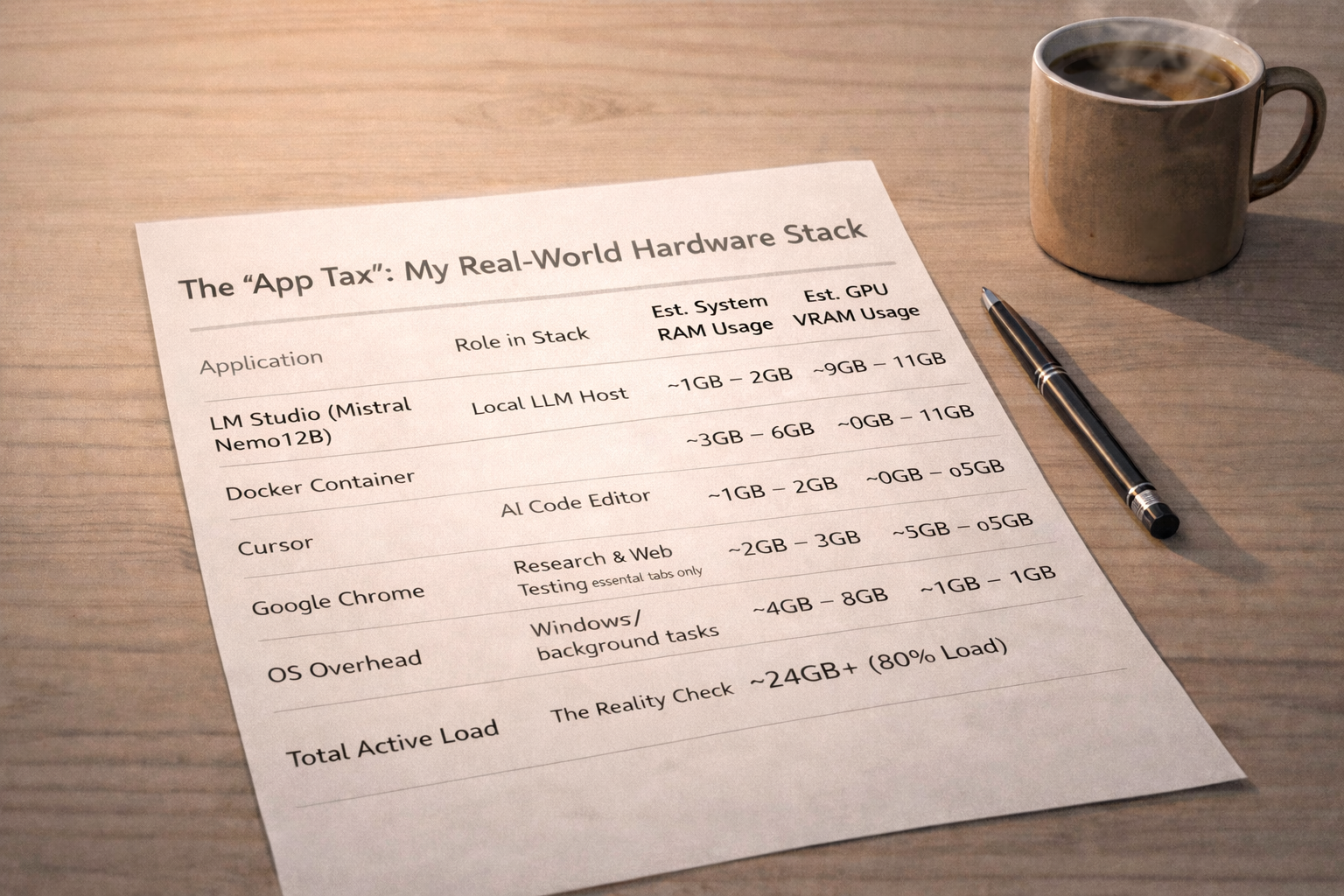
The "App Tax": My Real-World Hardware Stack
My current workstation runs an Nvidia RTX 4070 (12GB VRAM) and 32GB of system RAM.
You might look at 32GB of RAM and think, "That's plenty." It isn't. When I am actively building, my RAM usage routinely hovers at 80% capacity or higher.
The problem is the "App Tax." You aren't just running an AI model. You are running an entire development ecosystem. Here is a realistic breakdown of where your system resources actually go when you are in the trenches:
| Tool / Application | Role in Stack | Est. System RAM Usage | Est. GPU VRAM Usage | Notes |
|---|---|---|---|---|
| LM Studio (Mistral Nemo 12B) | Local LLM Host | ~1GB – 2GB | ~9GB – 11GB | Model must be quantized (compressed) to fit into 12GB VRAM. |
| Docker Container | Running n8n for backend automation | ~3GB – 6GB | 0GB | Virtualized sandboxes are notorious memory hogs. |
| Cursor | AI Code Editor | ~1GB – 2GB | ~0.5GB | Electron-based app; eats RAM quickly as projects scale. |
| Google Chrome | Research & Web Testing (Essential tabs only) | ~2GB – 3GB | ~0.5GB | Chromium is incredibly RAM-heavy. |
| OS Overhead | Windows / Background Tasks | ~4GB – 6GB | ~1GB | Your computer needs resources just to stay awake. |
| Total Active Load | The Reality Check | ~24GB+ (80% Load) | ~11GB – 12GB (Maxed) | This is why 16GB of system RAM is a death sentence for builders. |
The VRAM Bottleneck: The Unforgiving Limit
RAM limits how many applications you can run. VRAM limits the intelligence of your AI. If you want to run bigger, more capable models, you need more VRAM. It is that simple.
With my 12GB RTX 4070, I can comfortably run a quantized 12B model. But there is a massive caveat that most tutorials skip over: the Context Window.
When you feed an LLM a massive document or a long chat history (let's say 32,000 tokens), the model has to store that context in your VRAM using something called the KV Cache. That 32k context window will easily chew up 2GB to 4GB of VRAM all on its own.
If you only have an 8GB GPU, you are going to struggle to run 8B or 12B models with any meaningful context window off HuggingFace. To avoid waiting an eternity for a response, you will need to step down to a ~4B parameter model (like Qwen 4B) and limit your context window to about 4,000 tokens.

Related Article
The Hard Truth About Self-Hosting: Why My ChatGPT Killer Failed
I tried to replace ChatGPT with a self-hosted local LLM and n8n. Here is why it failed, the technical limitations I faced, and the reality of local AI privacy.
Read Now →The Final Verdict: Don't Skimp on the Baseline
I was heavily tempted to drop money on a 64GB RAM upgrade to give my Docker containers and n8n workflows more breathing room. I ultimately decided against it to force myself to find more efficient ways to run my setup. But the lesson remains:
If you are building AI systems, 16GB of system RAM is the absolute bare minimum, and you will feel the pain every time you spin up a container. 32GB is the realistic starting line. And when it comes to your GPU, buy as much VRAM as your budget physically allows.
Frequently Asked Questions
What is the minimum RAM for running a self-hosted LLM?
16GB is the absolute bare minimum, but you will feel the pain every time you spin up a container. 32GB is the realistic starting line for builders running LM Studio, Docker, Cursor, and Chrome simultaneously.
How much VRAM do I need for Mistral Nemo 12B?
A 12GB GPU like the RTX 4070 can run a quantized Mistral Nemo 12B model. The KV Cache for a 32k context window alone can use 2–4GB of VRAM, so 8GB GPUs will struggle with meaningful context windows.
What is the "App Tax" when running local AI?
The App Tax is the combined RAM usage of your development stack—LM Studio, Docker, Cursor, Chrome, and OS overhead—which can easily consume 24GB+ on a 32GB system, leaving little headroom.
Related Reading
Explore more on self-hosting, n8n, and AI workflows:
- The Hard Truth About Self-Hosting: Why My "ChatGPT Killer" Failed (And What I Learned)
- Why I'm Moving Away from ChatGPT in 2026 (And You Should Too)
- The Ultimate Guide to Zapier GPT Integrations (and Why You Should Stop Using Them)
- I Fired Myself as a Social Media Manager
- How to Use Gemini Notebooks in 2026 (The Context Bottleneck is Solved)
Ready to build your content engine?
Get a free 20-minute audit of your current processes and discover which workflows you can automate today.