How to Use Nano Banana for Teachers: Visualizing the Curriculum (Step-by-Step Guide)
A practical guide for teachers on using Nano Banana Pro to create clean, accurate, classroom-ready visual materials for science, history, and English.

Let's be honest: standard stock photos and Google Images are failing today's classrooms.
You're teaching cellular biology, and the only images available are grainy diagrams from 1998. You're teaching The Great Gatsby, and your students can't visualize the Roaring Twenties beyond a generic party scene.
Enter Nano Banana Pro.
While most people are talking about using AI to write essays (which we want to avoid), smart educators are using AI to visualize concepts. Nano Banana has quietly become the go-to tool for educators because it adheres to stricter safety guidelines than other models while producing cleaner, more accurate diagrams.
In this guide, we're running Nano Banana through The Textbook Test: Can it replace your teaching materials with custom, high-definition visuals?
Why Nano Banana? (The Teacher's Advantage)
Unlike more chaotic models (like Midjourney v6, which can be hard to control), Nano Banana excels at prompt adherence. If you ask for a specific historical era or a labeled scientific diagram, it tends to listen better.
Pros for Schools: Stronger safety filters (NSFW content is blocked heavily), high-resolution text rendering (for labels), and "Diagram Mode."
Best For: Science diagrams, historical re-enactments, and creative writing prompts.
Use Case #1: The "Textbook Test" (Science & Biology)
The Problem: You need a clear 3D visualization of a mitochondrion, but every image online has watermarks or low resolution.
The Solution: Use Nano Banana to create a custom 3D asset for your slide deck.
Copy This Prompt:
"A high-quality 3D cutaway educational render of a Mitochondrion. brightly colored organelles, clean white background, textbook style, high definition, 8k, labeled parts."
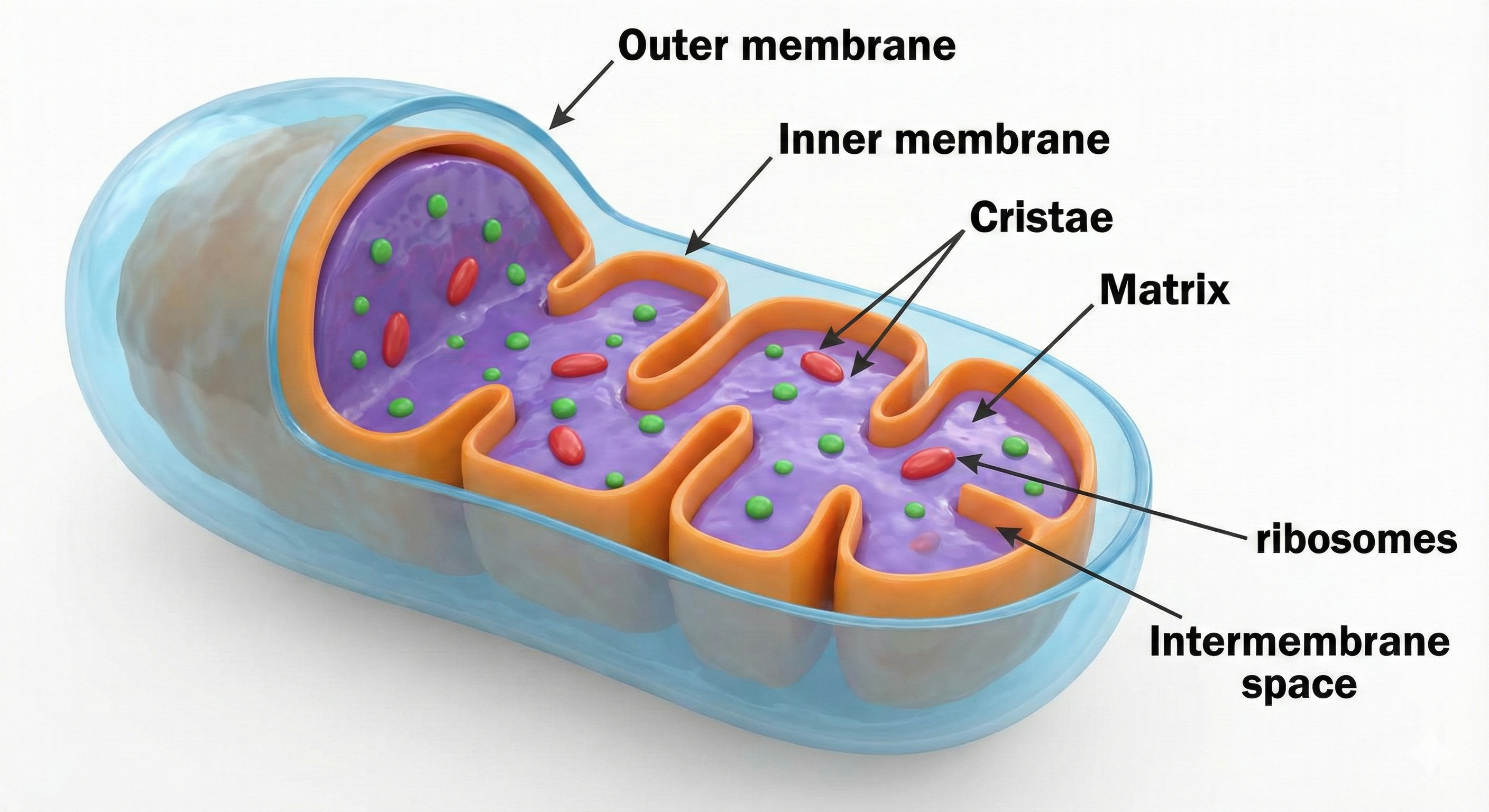
Why It Works: Nano Banana's "textbook style" token forces the AI to ignore artistic flair and focus on clarity. You get a clean, white-background image that drops perfectly into a PowerPoint or Canva presentation.
Use Case #2: The "Time Machine" (History & Social Studies)
The Problem: Students struggle to connect with history because black-and-white photos feel distant.
The Solution: Bring the event to life with photorealism. Let's look at the Industrial Revolution.
Copy This Prompt:
"Photorealistic cinematic shot of a busy London street during the Industrial Revolution, year 1850. Steam engines, factory smoke in the distance, cobblestone streets, Victorian clothing, moody lighting, historically accurate."
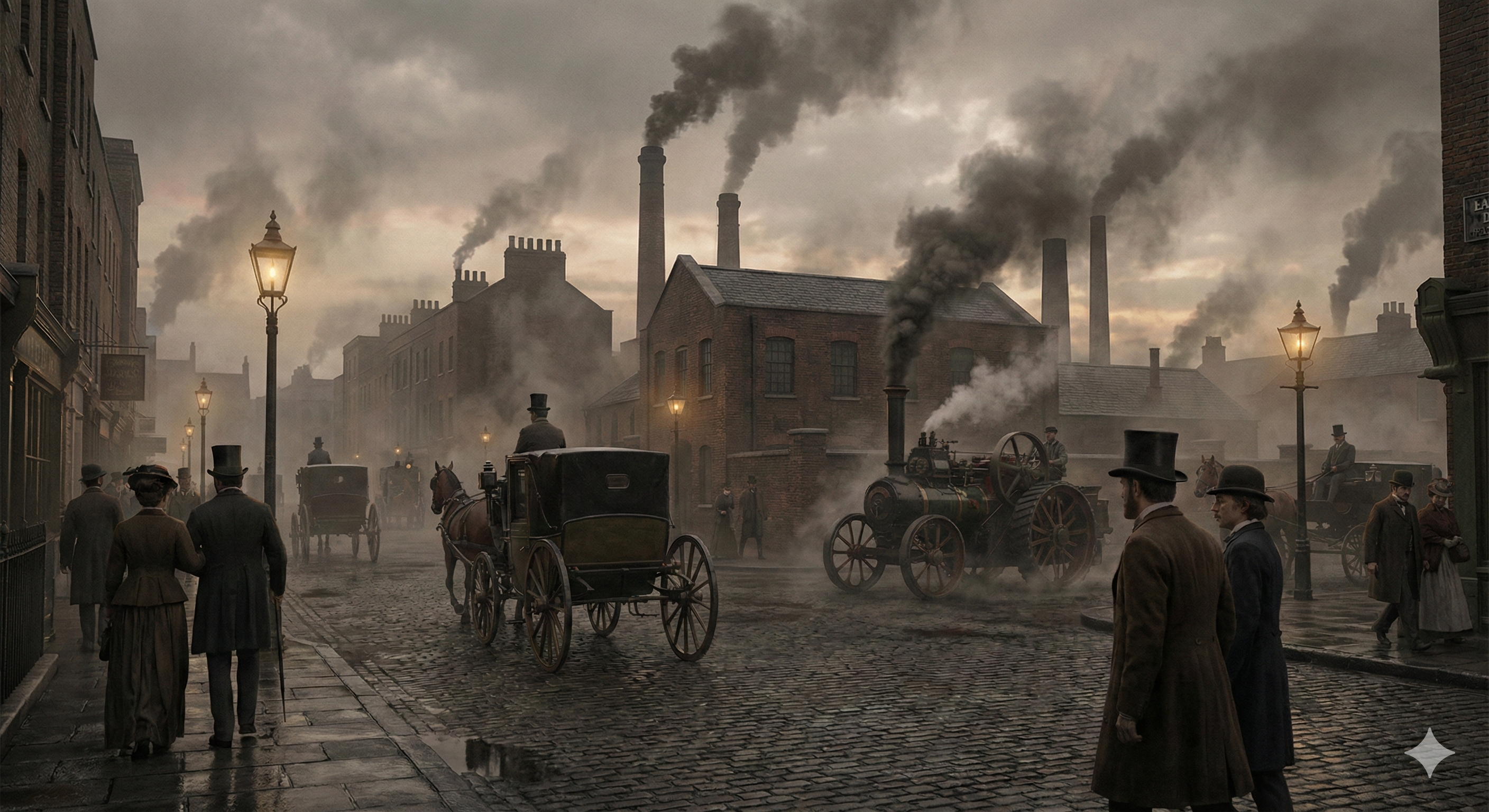
The Classroom Activity: Don't just show the image—ask students to critique it.
"What details did the AI get right based on our reading?"
"What looks like a hallucination or error?"
This turns AI generation into a critical thinking exercise.
Use Case #3: The "Visual Writing Prompt" (English & Creative Writing)
The Problem: "Writer's Block." Students stare at a blank page.
The Solution: Generate a "mystery scene" to jumpstart their creativity.
Copy This Prompt:
"A mysterious glowing door in the middle of a dense, dark forest. Fantasy art style, magical atmosphere, blue and purple lighting, fireflies, whimsical, storybook illustration."
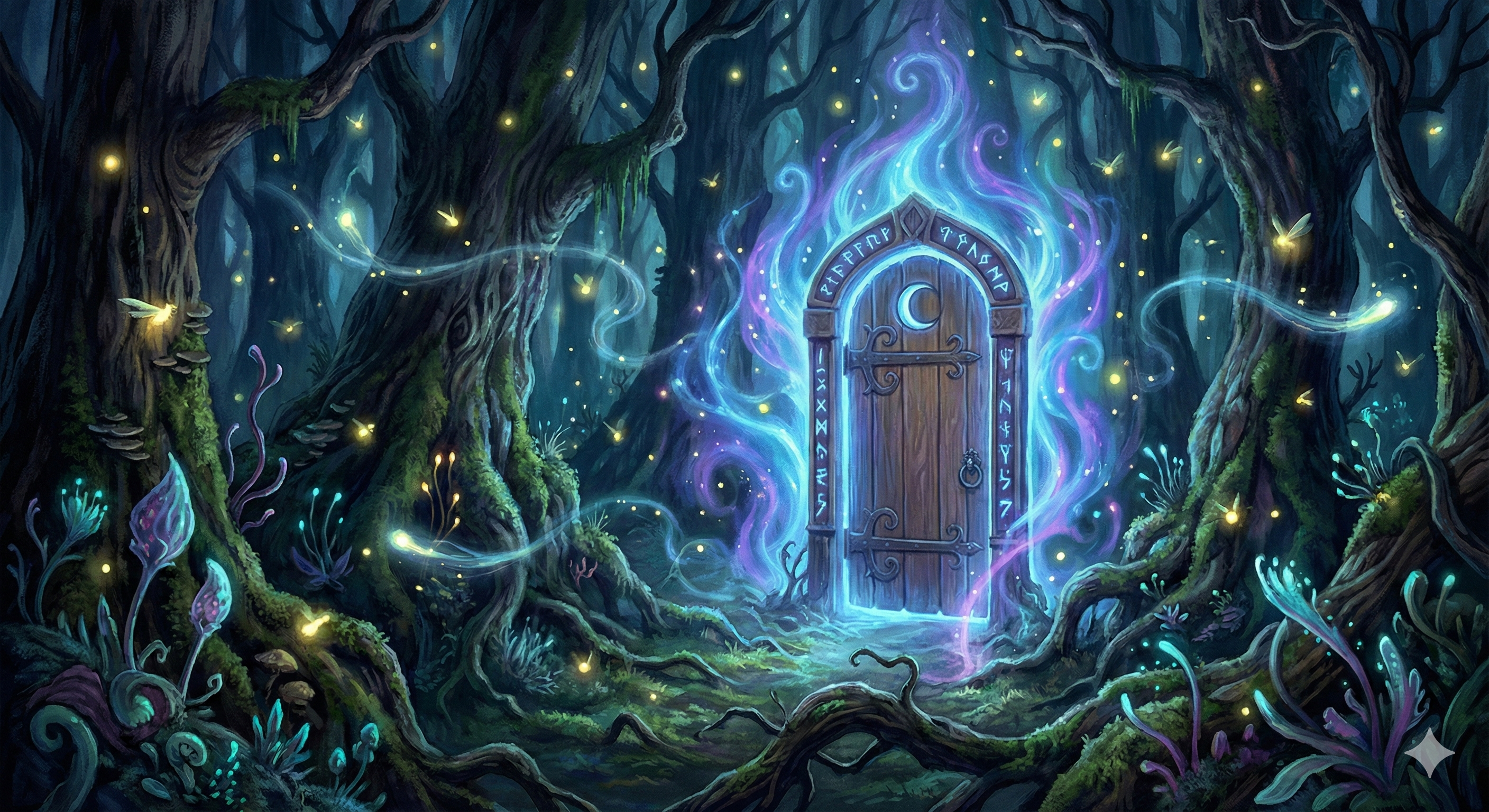
The Assignment: Project this image on the board. The assignment is simple: "Write the first paragraph of the story that starts when you open this door."
Quick Tutorial: How to Get the Best Results
If you are new to Nano Banana, follow this simple "Style + Subject + Lighting" formula to avoid weird results:
- Style: Define the look first. (e.g., "3D Render," "Oil Painting," "Pencil Sketch," "Pixel Art")
- Subject: Be specific. Don't say "a dog." Say "A Golden Retriever wearing a firefighter helmet."
- Lighting/Vibe: Set the mood. (e.g., "Cinematic lighting," "Bright studio lighting," "Moody shadows")
Pro Tip for Teachers: Always add the keywords "family friendly" or "educational" to your prompts. While Nano Banana is safe, this adds an extra layer of context for the AI to keep outputs appropriate for K-12.
Final Verdict: Is It Ready for Class?
Yes. For visualizing complex scientific concepts or bringing history to life, Nano Banana is currently beating GPT-5.1's image generation in terms of style adherence and text rendering.
Stop hunting for the perfect image. Just build it.
Related Reading
Explore more AI tools and workflows:
- Nano Banana Pro vs GPT-5.1: Which AI Image Model Actually Performs Better?
- How to Generate Clean, Brand-Ready Website Images Using ChatGPT 5.1
- AI Prompting Essentials — The Skills Every Creator Needs in 2025
- Design Technical Jargon Explained — A Beginner's Guide for Canva, Photoshop, and Social Creators
Ready to build your content engine?
Get a free 20-minute audit of your current processes and discover which workflows you can automate today.